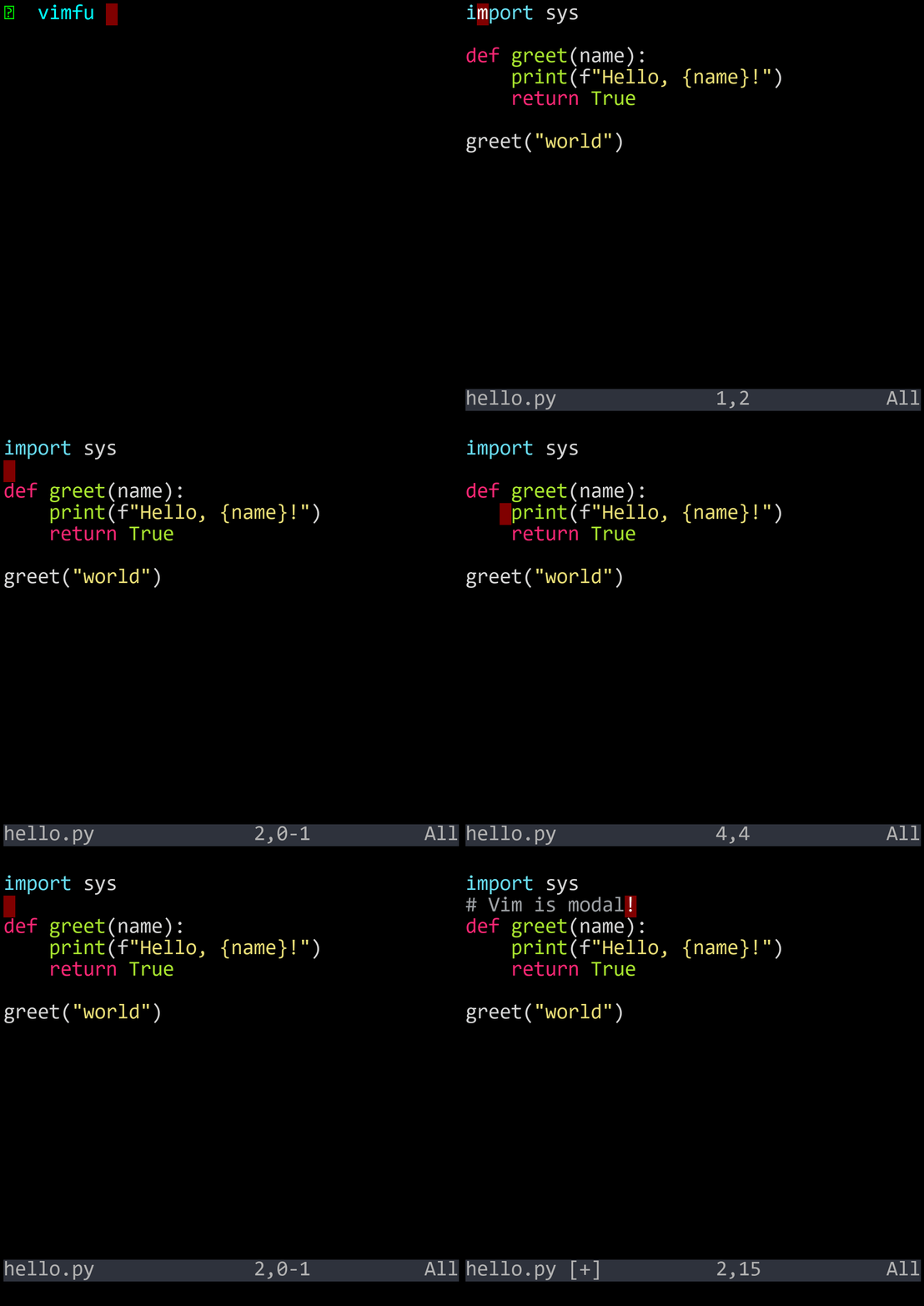
The case for learning a 50-year-old text editor
You spend more time reading, navigating, and restructuring code than typing new code from scratch. Think about your last hour of editing. How much of it was actually inserting new characters? Maybe twenty percent. The rest was scrolling, searching, selecting, deleting, copying, moving, and rearranging.
Most editors give you a full keyboard for that twenty percent — the typing part — and then make you reach for the mouse, or hold down modifier keys, or navigate menus for everything else. Vim flips this. It gives you a full keyboard for the eighty percent.
That's what "modal" means. In normal mode, every key on your keyboard is a command. j moves down. w jumps forward by a word. dw deletes a word. ci" changes the text inside quotes. No mouse. No Ctrl-Shift-Arrow. Just keystrokes.
When you need to type, press i to enter insert mode. Type what you need. Press Esc to come back. Normal mode is your resting state — the mode you spend most of your time in.
This feels backwards at first. Every other editor starts in "insert mode" — keys type text. Vim starts in "command mode" — keys do things. The learning curve is real. But once you internalize the grammar, you stop thinking about keystrokes and start thinking in edits: "delete this word," "change inside these quotes," "yank this paragraph." Your hands just execute.
The demos in this book use Neovim — a modern, community-driven fork of Vim — because it's clean, fast, and has great defaults. But here's the secret: you don't have to use Neovim. You don't even have to use Vim.
Vim keybindings are available in almost every editor and IDE:
| Editor | Vim Mode |
|---|---|
| VS Code | Vim extension (vscodevim) |
| JetBrains IDEs | IdeaVim plugin |
| Visual Studio | VsVim extension |
| Sublime Text | Vintage mode (built-in) |
| Emacs | Evil mode |
| Xcode | Xvim2 plugin |
| Chrome / Firefox | Vimium extension |
This book teaches the keybindings and the editing language, not any specific editor. diw deletes a word in Vim, Neovim, VS Code with the Vim extension, IntelliJ with IdeaVim, and everywhere else that supports Vim keybindings. The grammar is universal.
Use whatever editor you like. Just turn on Vim mode. Everything in this book will work.
The lineage is short and worth knowing:
| Year | Editor | Creator | Key Contribution |
|---|---|---|---|
| 1976 | vi | Bill Joy | Modal editing on the ADM-3A terminal |
| 1991 | Vim | Bram Moolenaar | Visual mode, undo, scripting, plugins |
| 2014 | Neovim | Community fork | Lua config, async, LSP, modern defaults |
Vi was born on the ADM-3A terminal at UC Berkeley. Bill Joy wrote it as the visual interface to the ex line editor. The ADM-3A's keyboard didn't have dedicated arrow keys — instead, the h, j, k, l keys had arrows printed on them. That's why those four keys move the cursor in Vim today.
Bram Moolenaar created Vim (Vi IMproved) in 1991, adding visual mode, multi-level undo, a plugin system, syntax highlighting, and hundreds of features that made vi practical for modern editing. Bram maintained Vim for over 30 years until his passing in 2023.
Neovim forked Vim in 2014 to modernize the codebase: Lua-based configuration, asynchronous processing, built-in LSP support, and better defaults out of the box. For the keybindings covered in this book, Vi, Vim, and Neovim are identical. The differences matter for configuration and plugins, not for daw or ci".
Vim has several modes, but two dominate daily editing:
| Mode | Purpose | Enter With | Leave With |
|---|---|---|---|
| Normal | Navigate, edit, command — your resting state | Launch vim, or press Esc | Press a mode-entry key |
| Insert | Type text — a brief excursion | i, a, o, c, etc. | Esc |
| Visual | Select text, then act on it | v, V, Ctrl-V | Operator or Esc |
| Command-line | Ex commands (:w, :q, :s) | :, /, ? | Enter or Esc |
The key insight: normal mode is called "normal" because it's where you should normally be. Not insert mode. Not visual mode. Normal mode. After every edit — every line you type, every change you make — press Esc and return to normal mode. Make this a reflex.
In normal mode, every single key on the keyboard has a function. Lowercase letters, uppercase letters, numbers, symbols, Ctrl combinations — they're all commands. That's over 100 commands accessible with a single keystroke, no modifier keys needed. You get this because you have a dedicated mode for commands.
This feels restrictive at first — "I have to press i before I can type?" — but it's actually liberating. In a non-modal editor, the letter d can only ever type the character 'd'. In Vim, d is the delete operator. dw deletes a word. dd deletes a line. di( deletes everything inside parentheses. One key, dozens of uses. That's only possible because of modes.
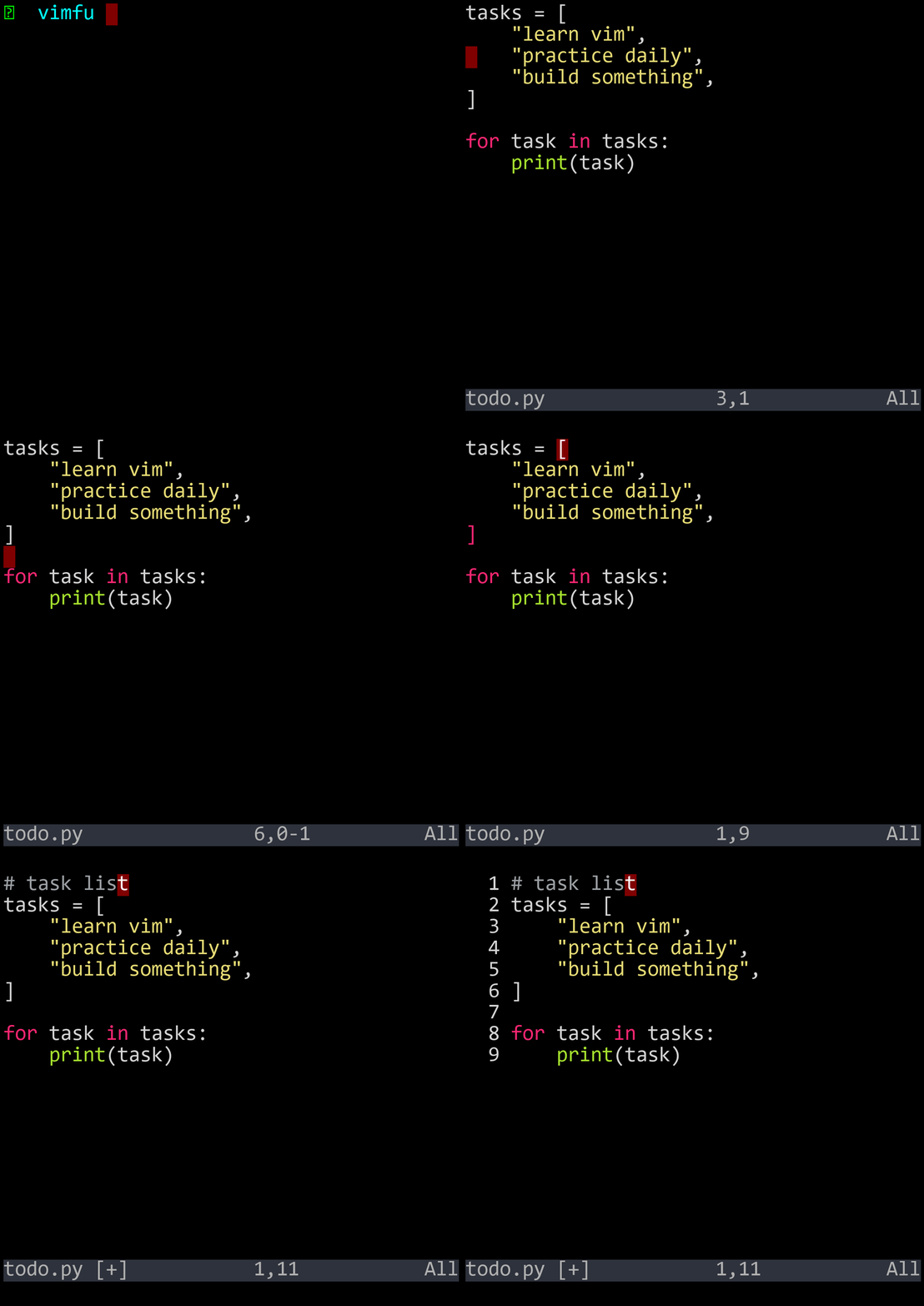
| Key | Action |
|---|---|
| i | Enter insert mode (keys type text) |
| Esc | Return to normal mode (keys are commands) |
| h j k l | Move left, down, up, right |
| dw | Delete a word (operator + motion) |
| ci" | Change inside quotes (operator + text object) |